 RecoverPro
RecoverPro finds deleted files on your NTFS drives, deep-scans for photos, documents and video when the file system has lost them, and shows how recoverable each file is before you save anything.
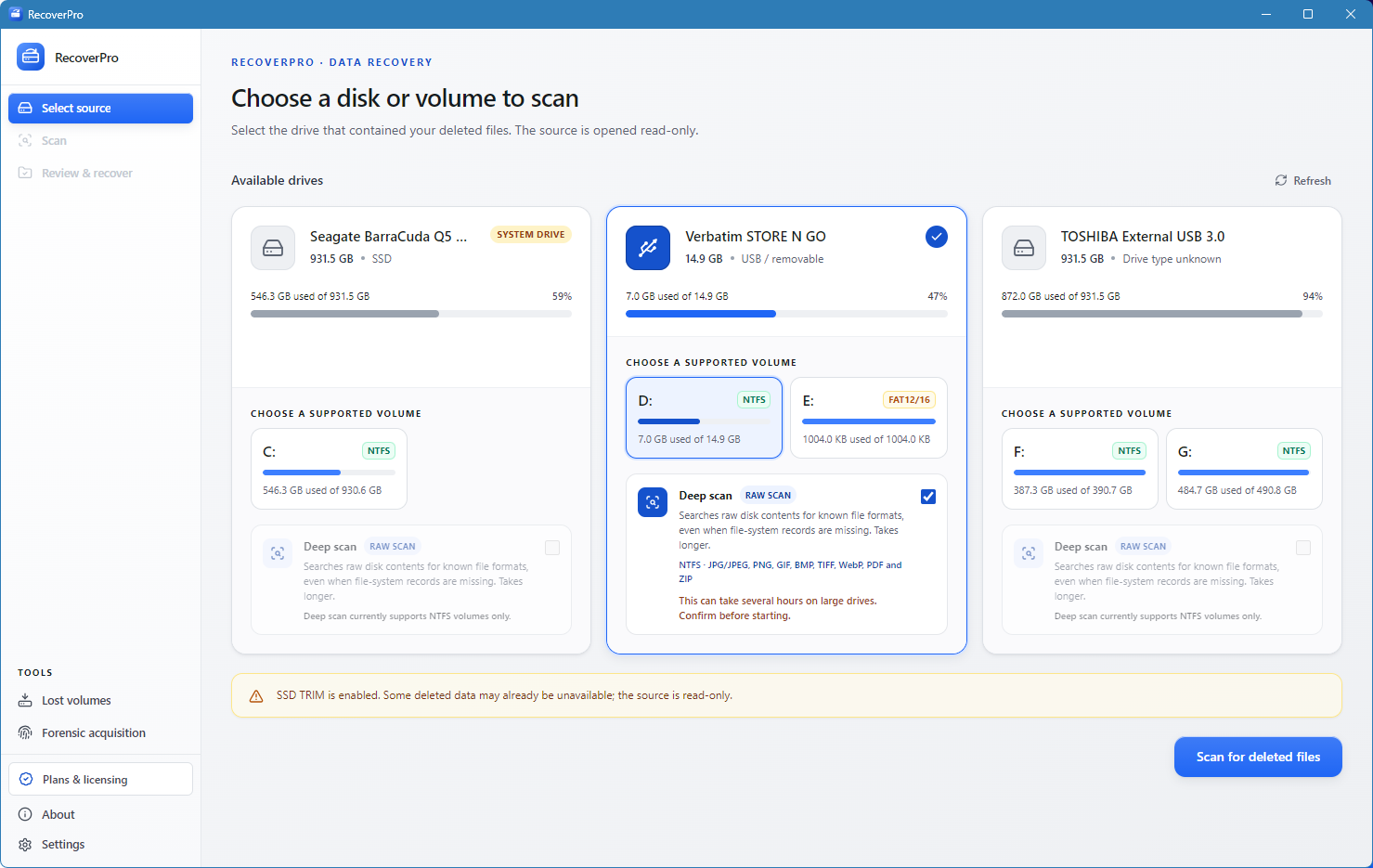
Choose the drive or volume that held the files. It is opened read-only, and SSD and system-drive warnings appear before you start.
A quick pass reads the file system. Add a deep scan for signature-based search when the file system has lost track of a file.
Check each candidate’s rating and status, select what you need, and save it to a different location.
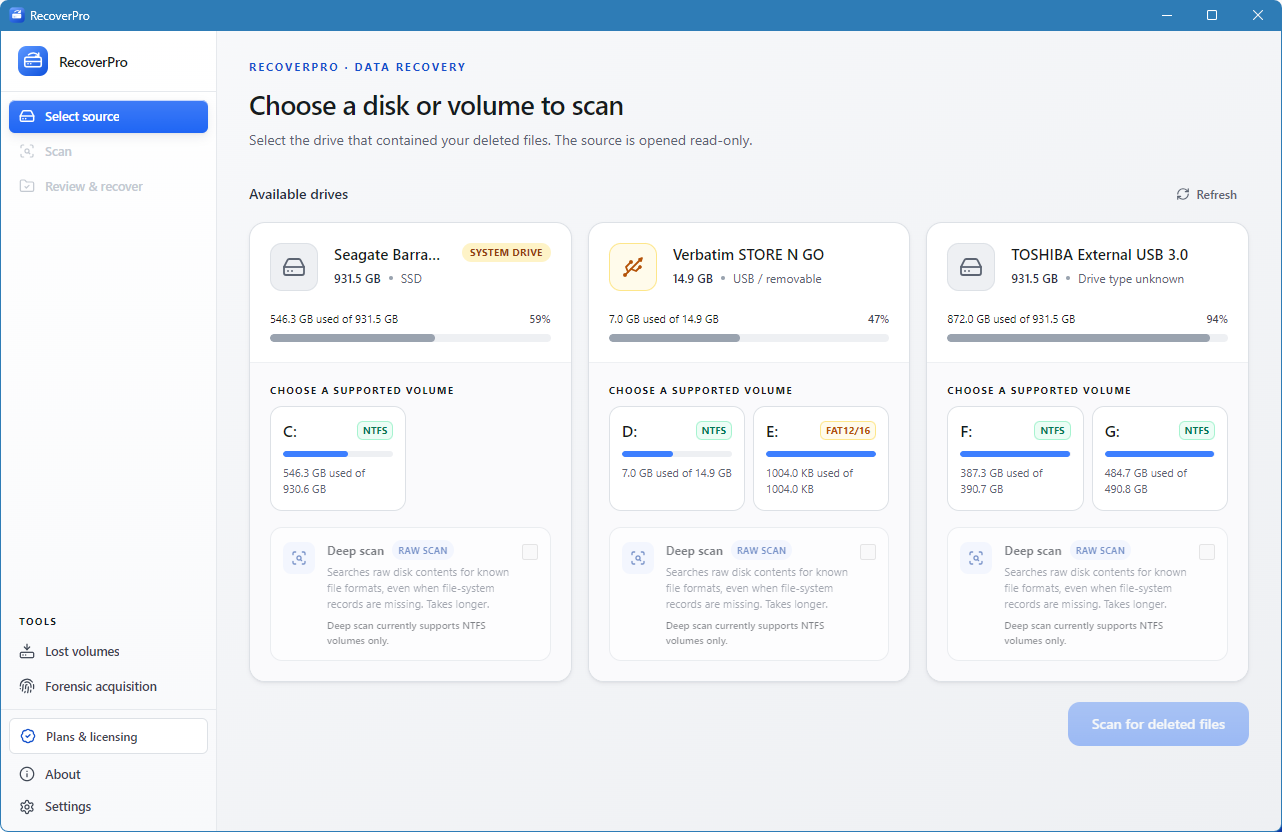
RecoverPro lists physical drives and their volumes with file system, size and usage. The source is opened read-only, so the scan itself cannot overwrite the data you are looking for.
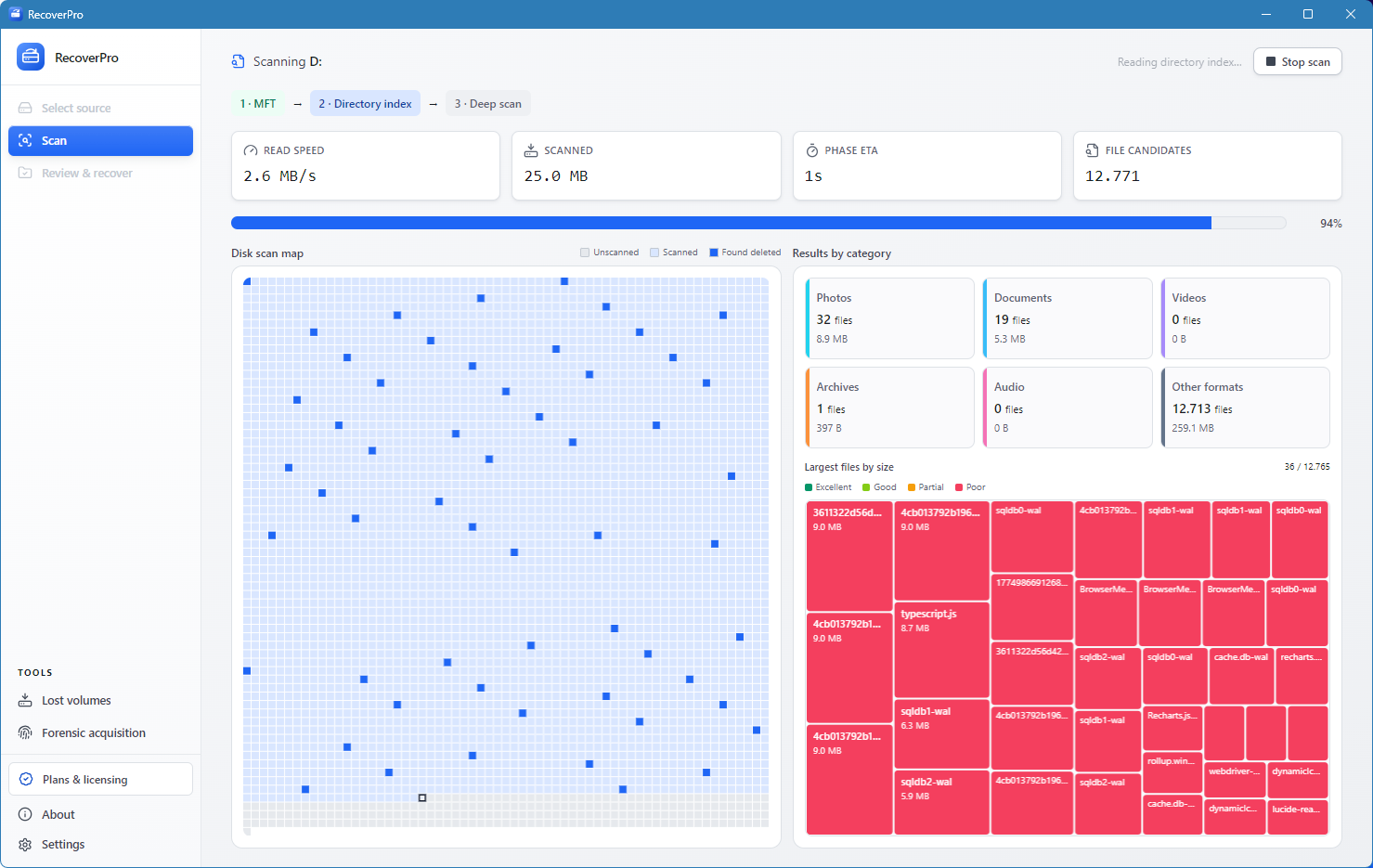
The quick pass reads the NTFS Master File Table and the directory index. The disk map shows which areas have been read and where deleted entries were found, while the scan is still running.
Deep scan reads the raw sectors of the volume and looks for the signatures of known formats, such as JPEG, PNG, PDF, ZIP and SQLite. It is slower, and it finds files even when their directory entries are gone.
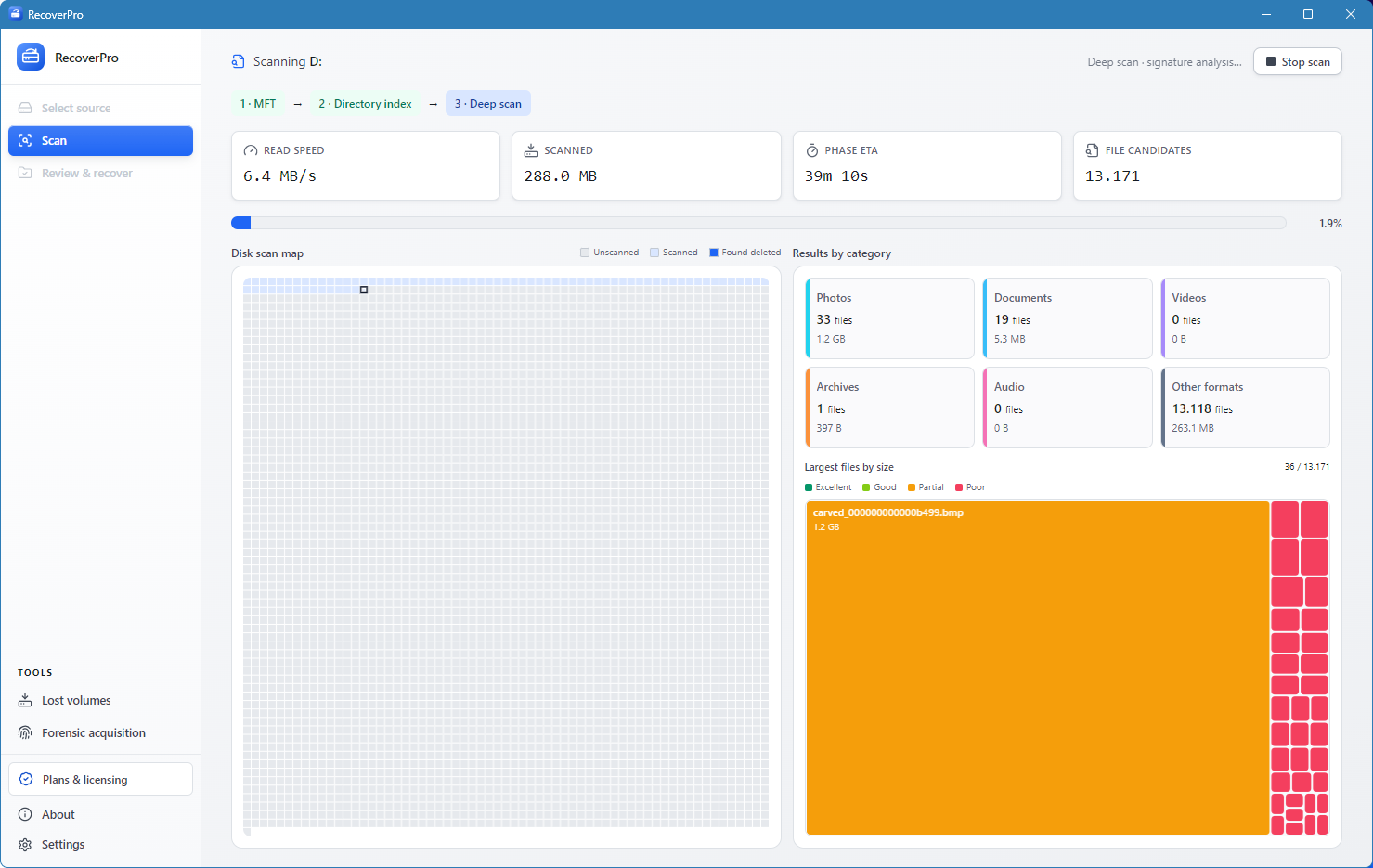
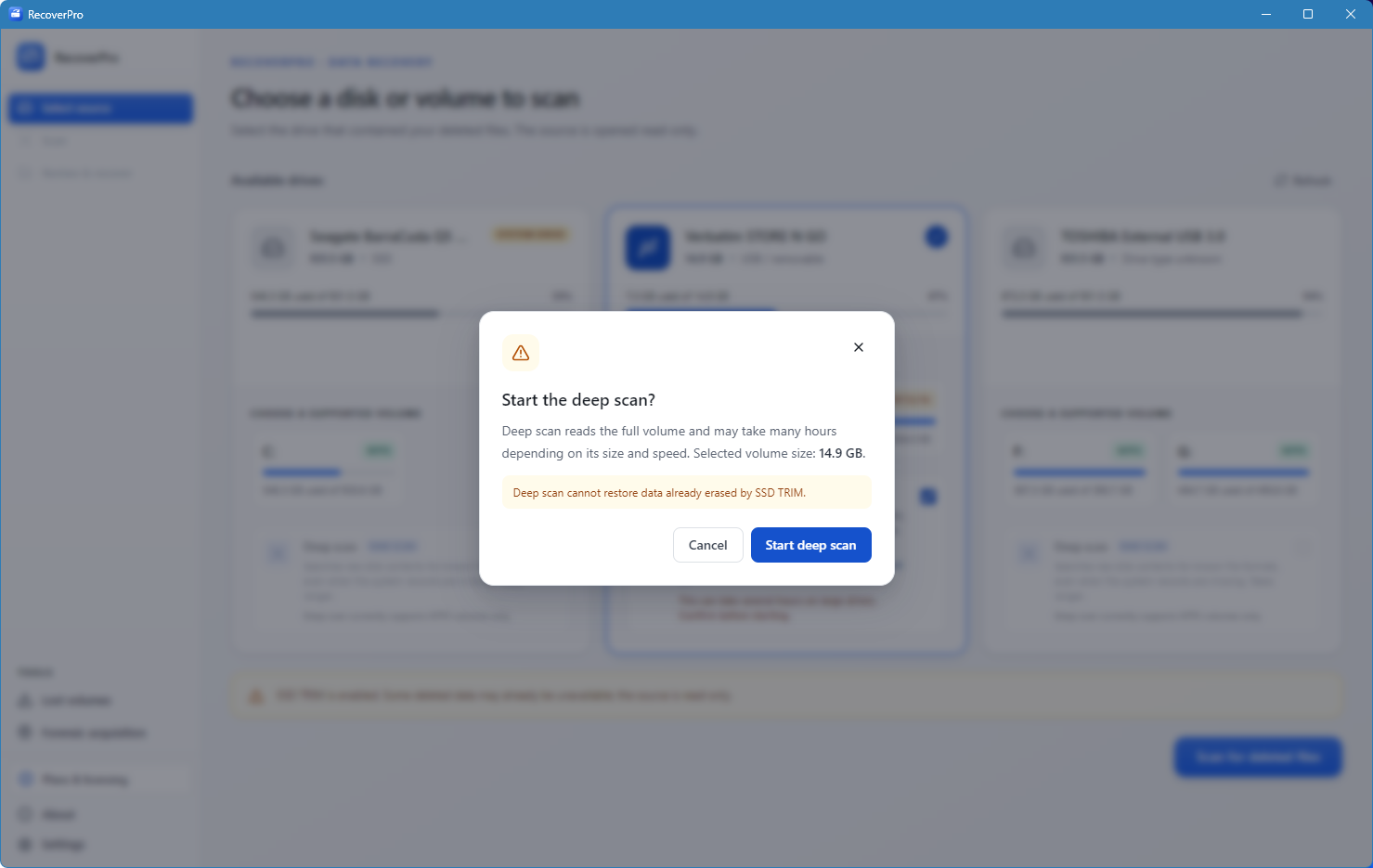
A deep scan can run for hours on a large volume. RecoverPro shows the size of the volume you picked and a clear limit before it starts, so nothing long begins by accident.
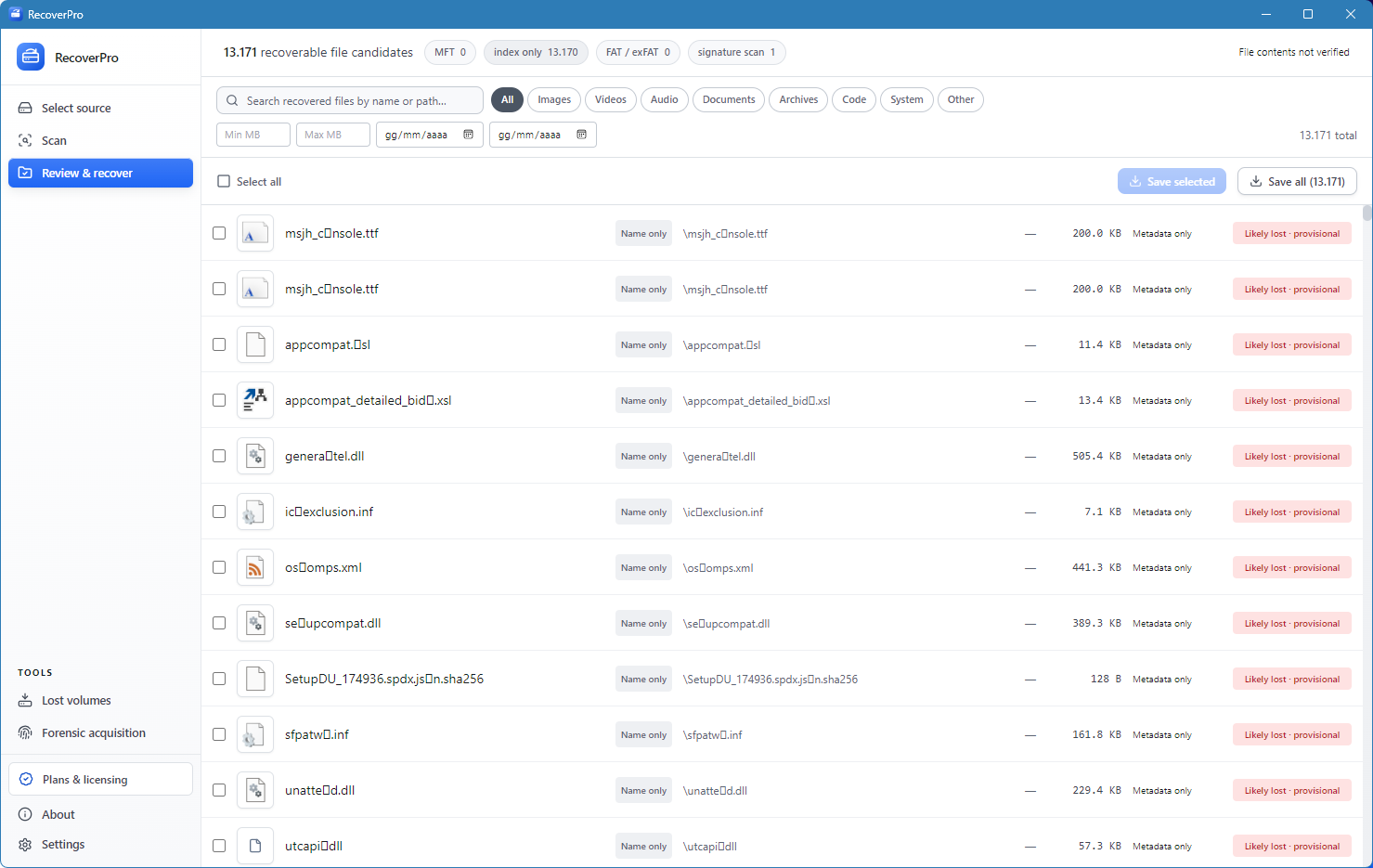
Every candidate carries a recoverability rating and a status. Results stay labelled as provisional until their contents have been checked, so you never mistake a name in the index for a working file.
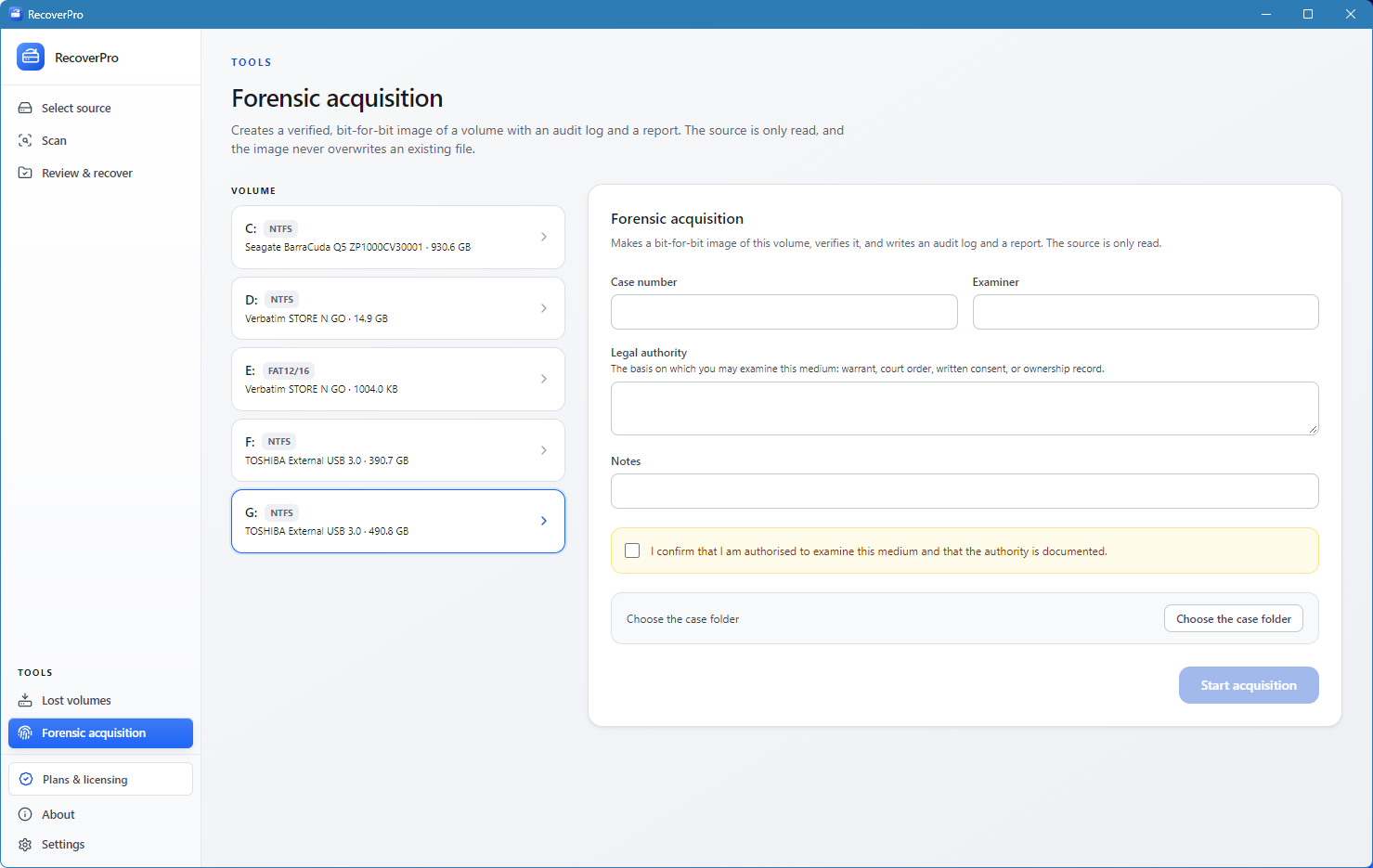
Create a verified, bit-for-bit image of a volume with an audit log and a report. The source is only read, and the image never overwrites an existing file.
Deep scan recognises these formats by their signatures, and new ones are added regularly. Damaged files go through a repair pass where it is possible.
A few rules that are enforced in the code, not only promised in the interface.
The disk is opened with read access only. Nothing in the recovery path asks the drive for write access.
System drives and SSDs with TRIM are flagged before you scan, because deleted data on them may already be gone.
Raw disk access requires administrator rights, so RecoverPro asks for elevation through its manifest and nothing else.
Built for your own drives and for media you are authorised to examine. Forensic mode asks you to confirm that authority.
Read-only recovery, with a clear view of what can come back.